01 / CHOOSE
Share just what you need.
Choose a screen, window, or Chrome tab. Add your voice and optional camera, then start when you’re ready.

Supporting Caster · Screen recording
Show your screen. Talk it through. Turn a question into a clear next step—with a recording that stays on your computer.
An internal tool for our team. Contact your internal administrator for access.
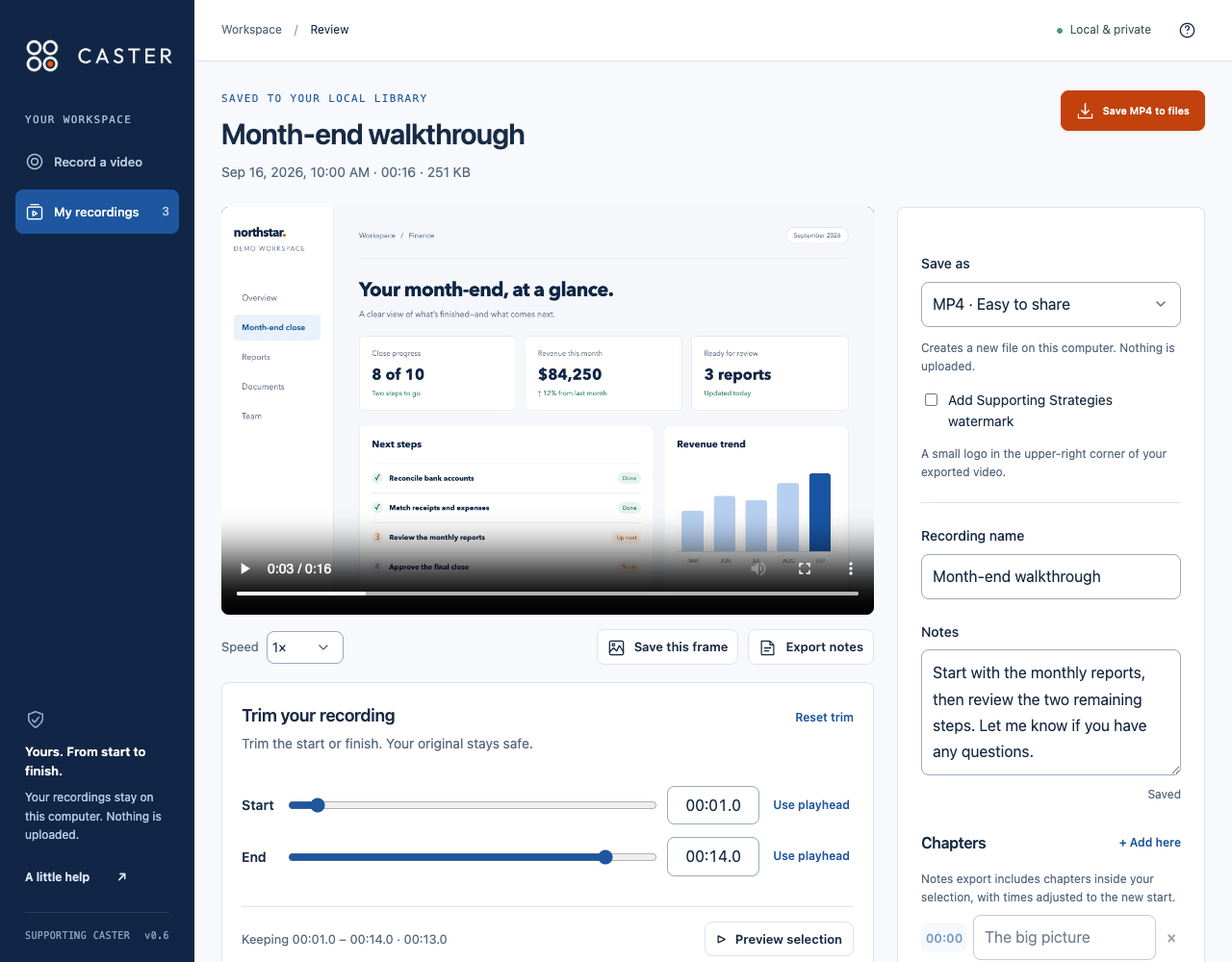
From question to understanding
A quick explanation for a client. A process for a teammate. A personal update they can watch when it works for them.
01 / CHOOSE
Choose a screen, window, or Chrome tab. Add your voice and optional camera, then start when you’re ready.
02 / RECORD
Highlight, draw arrows, or use a pointer halo on webpages. Keep pause, chapter markers, and finish within reach with floating controls.
03 / SAVE
Review your video, trim the start or end, and export MP4 or WebM. Share the file through your usual client or team channel.
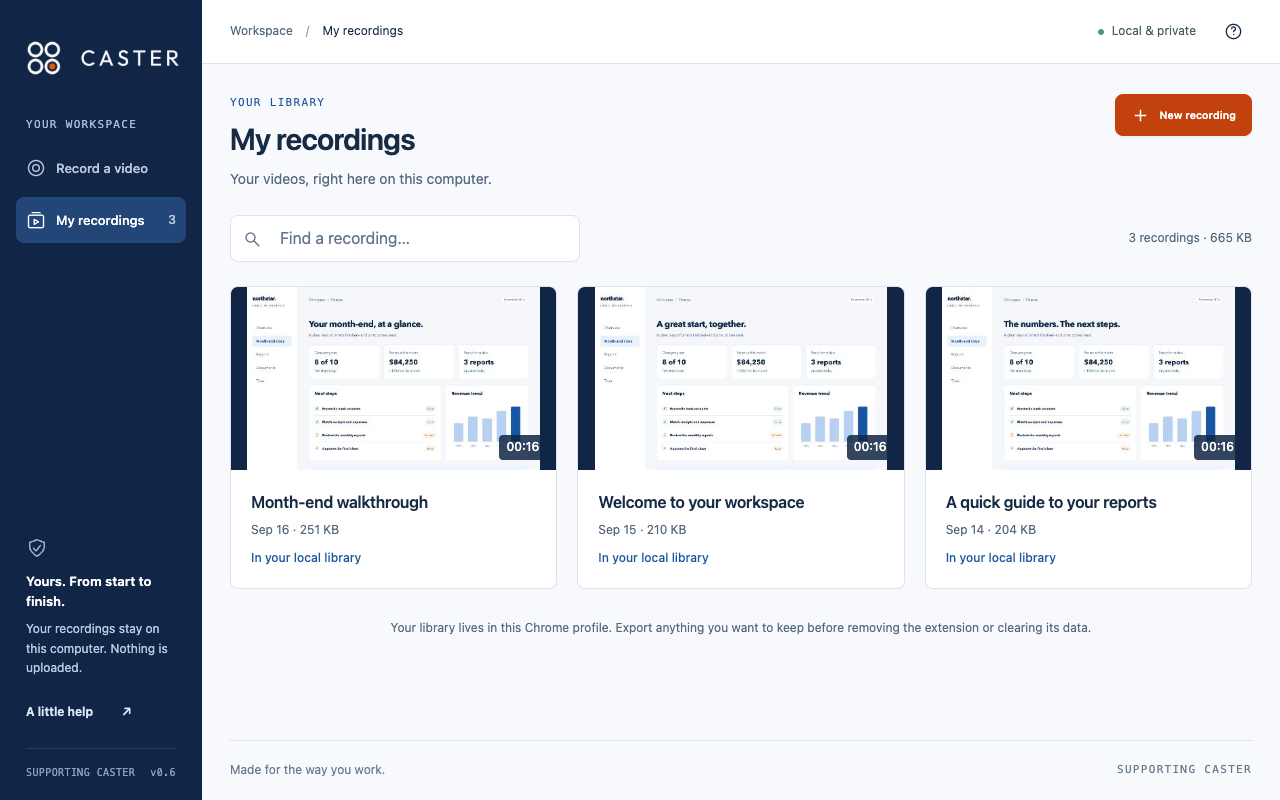
Yours, from start to finish
Your videos live in a local library, ready to find, revisit, and share on your terms.
Supporting Caster is available to authorized users through our organization. For installation, support, or privacy questions, contact your internal IT team or CASTER administrator.